Logging & Debugging
The Foundation manager provides a customizable logger utility. You can use
the logger in client application development or ignore it.
The logging services are rendered per contract with the Logger protocol. The
logging service uses Apple's Unified Logging System (OSLog) as the underlying
service provider. The logger service provides useful inline functions for each
OSLogLevel in two variations:
- Log function accepting
StaticStringand variadicCVarArg - Log function accepting
Anytyped value
Usage
We recommend you create an OSLog instance providing a subsystem and
category, per Apple's naming convention.
static let FLFoundationLog = FLFoundationFactory.logger(
                                    subsystem: "com.quickplay.FLFoundation",
                                    category: "HTTPClient")
FLFoundationLog.logDebug(...)
FLFoundationLog.logInfo(...)
FLFoundationLog.log(...)
FLFoundationLog.logError(...)
FLFoundationLog.logFault(...)
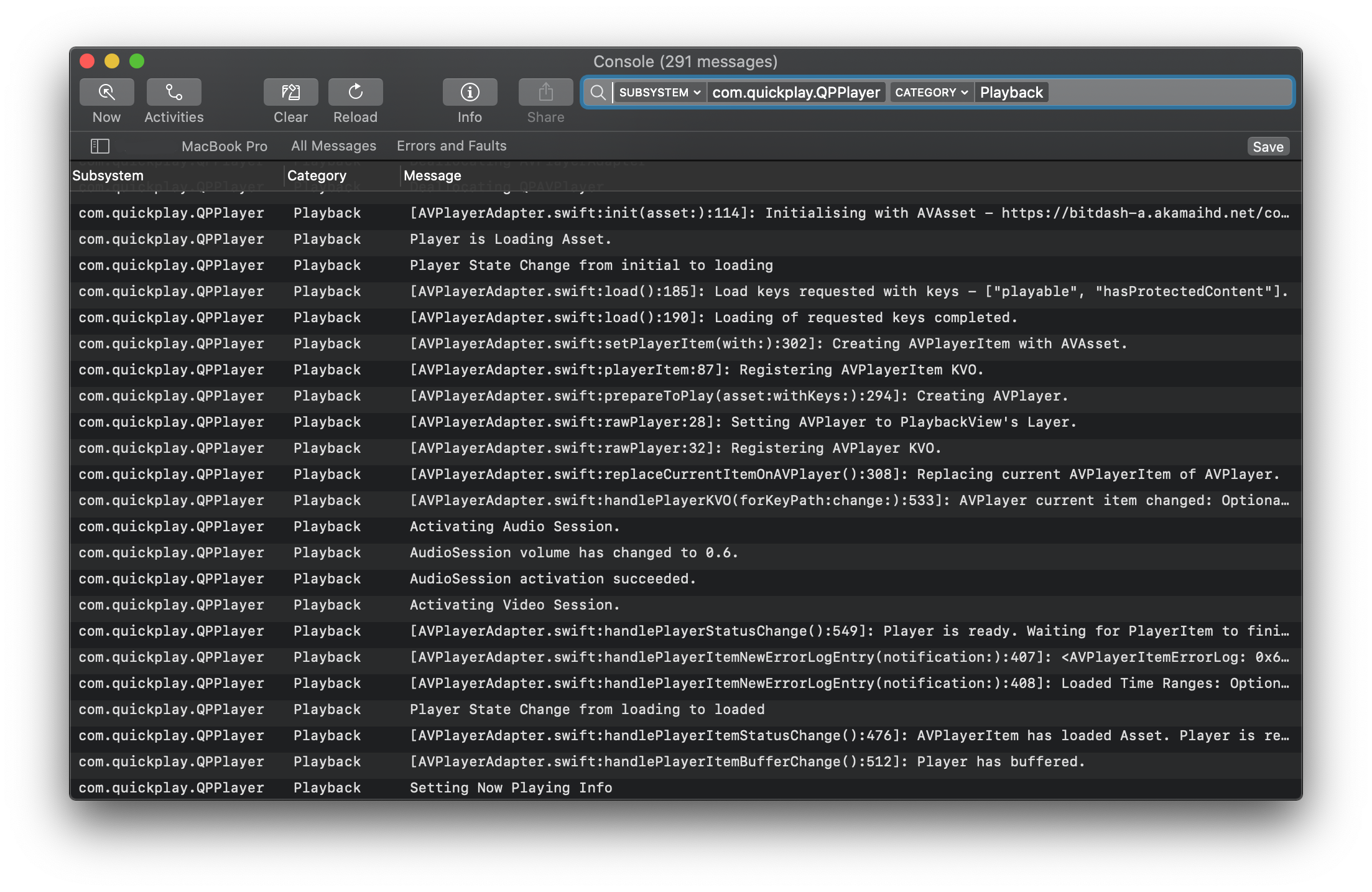
Provide a subsystem value in reverse domain format. You can use the bundle
identifier of the framework or app in use. The category value must be a
valid and thoughtful name of the module being logged. You can view logs
outside Xcode using Console.app. The subsystem and category values are used
for filtering log messages, which makes debugging easier.
Make your custom complex types conform to CustomDebugStringConvertible and
CustomStringConvertible, and use the wrapper functions to pass your complex
type to log them.
Privacy
The unified logging system considers dynamic strings and complex dynamic
objects to be private and doesn't collect them automatically. The log messages
need to be marked with access modifiers. When you need to capture a dynamic
string, explicitly declare the string public using the public keyword. For
example, %{public}s.
The wrapper functions accepting Any type value as input with this logger
service mark log message arguments as public with DEBUG and private with
RELEASE configurations. When using the other log function, it's up to you to
mark arguments as public or private. Be careful about what you log. Don't
accidentally expose confidential data, that is, secret keys or anything of
that sort.
Customize log output
To provide your own custom formatting while logging your custom type, extend
it to conform to CustomOSLogMessageConvertible.